Scan the Sticker
The fixed Sticker opens the Household's private ordering page.
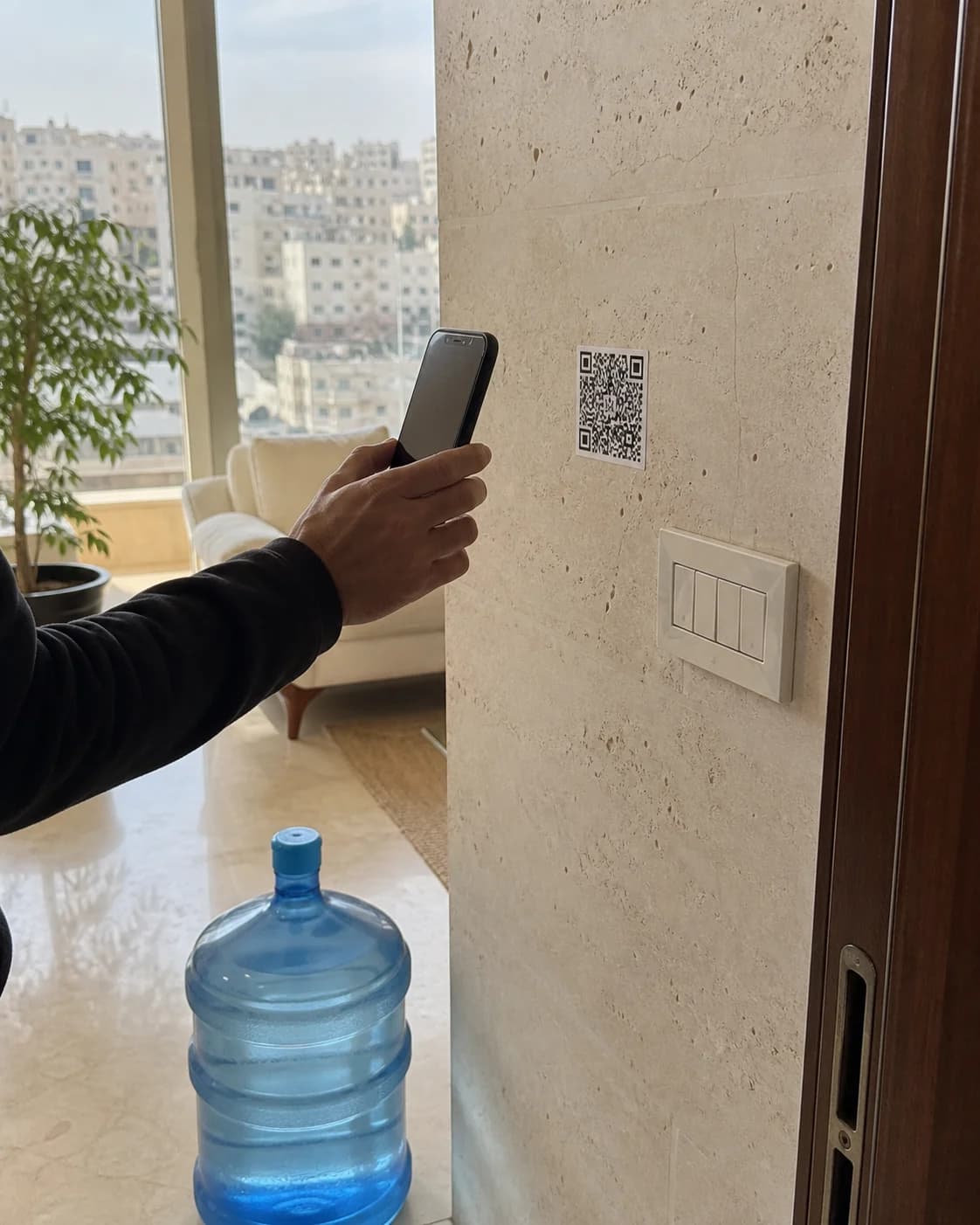
A fixed Sticker opens the Household's Order. Choose Swaps or New Containers and send it straight to the usual Shop.
The Household does not install an app or create an account. The Sticker opens the usual Shop directly.
The fixed Sticker opens the Household's private ordering page.
Swaps and New Containers stay separate from the first tap to delivery.
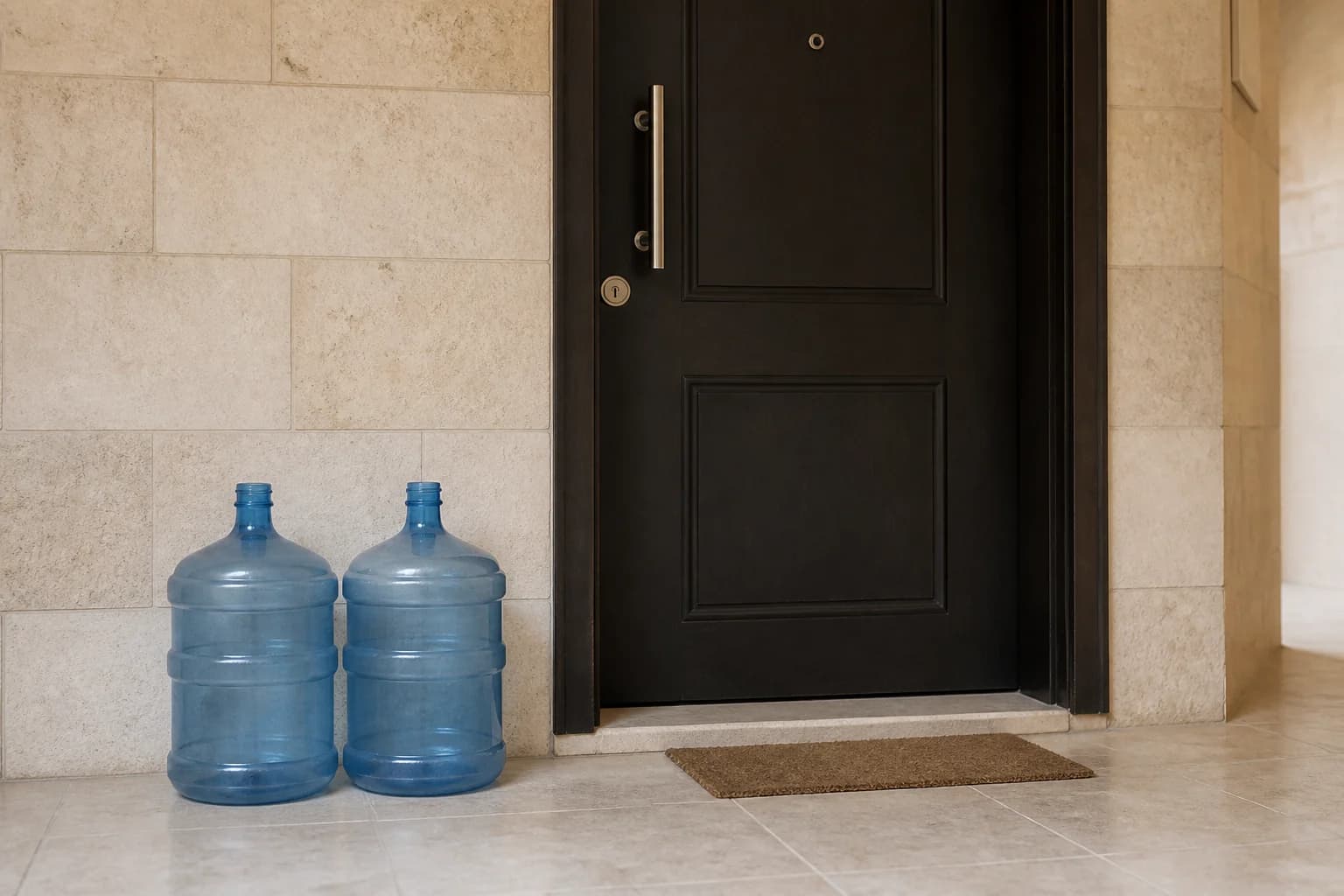
The Counter Accepts or Declines and sends the delivery time by SMS.
Sticker and Phone Orders land in one full-screen work surface. The Shop acknowledges, Accepts or Declines, and closes the delivery result without leaving the Counter.
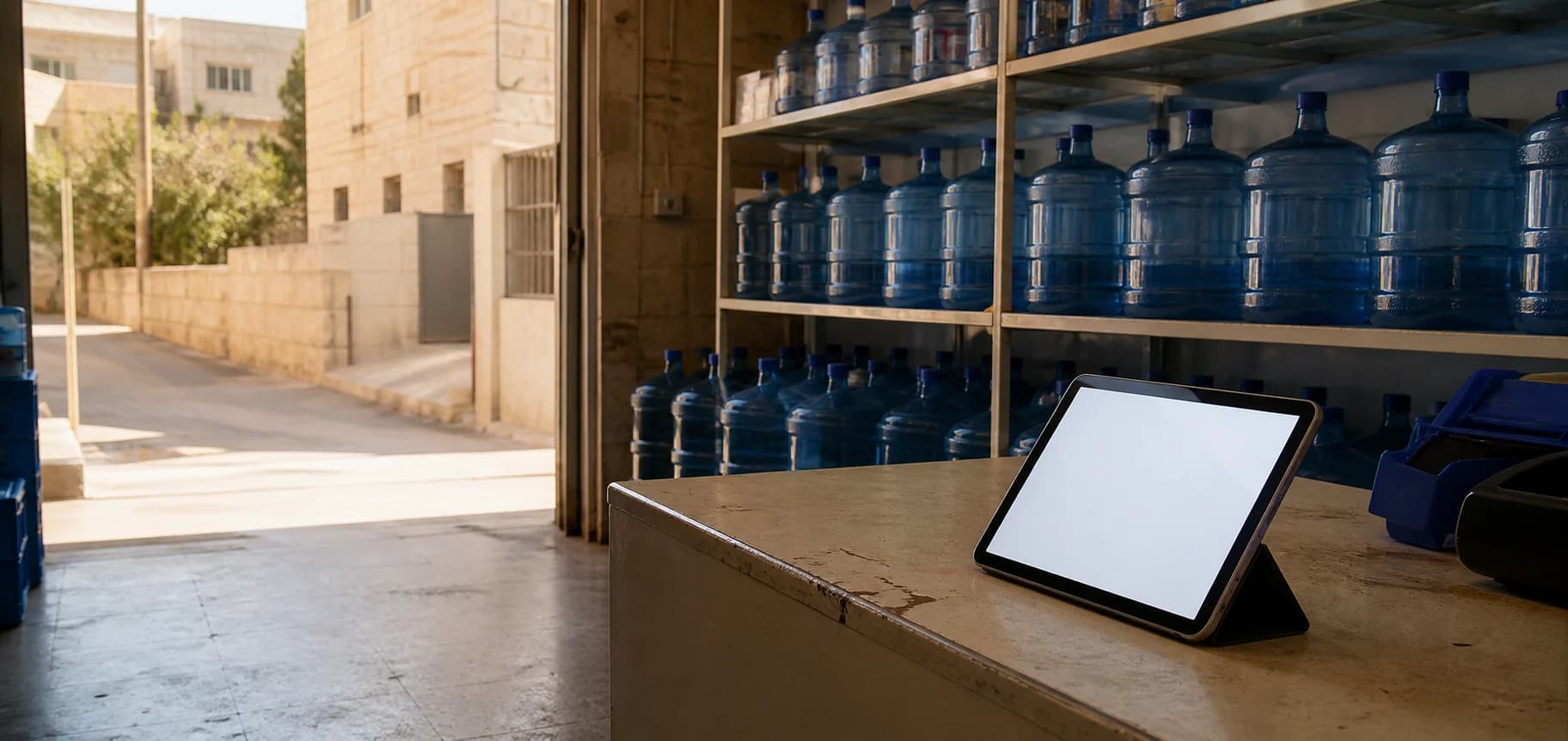
A signed-in workspace for the Household Book, Sticker stock, Order evidence, Shop details, and the SMS Service. The Counter stays separate because it has a different job.
Search the Shop's Households, keep the delivery address and usual Swaps together, and archive safely.
See stock by batch, bind each fixed Sticker once, and retire it with its history intact.
Read requested quantities, the Shop response, delivery outcome, amendments, and corrections as evidence.
Monitor the handset gateway and every queued, sent, or failed Shop message.
The Order moves through plain, visible states. The Shop's answer arrives by SMS; the Counter keeps the operational record.
Order received
Delivery time confirmed
Result recorded
Deliveryy keeps the usual local Shop in the loop and removes the repeated phone call from repeat water Orders.
Shop sign in